
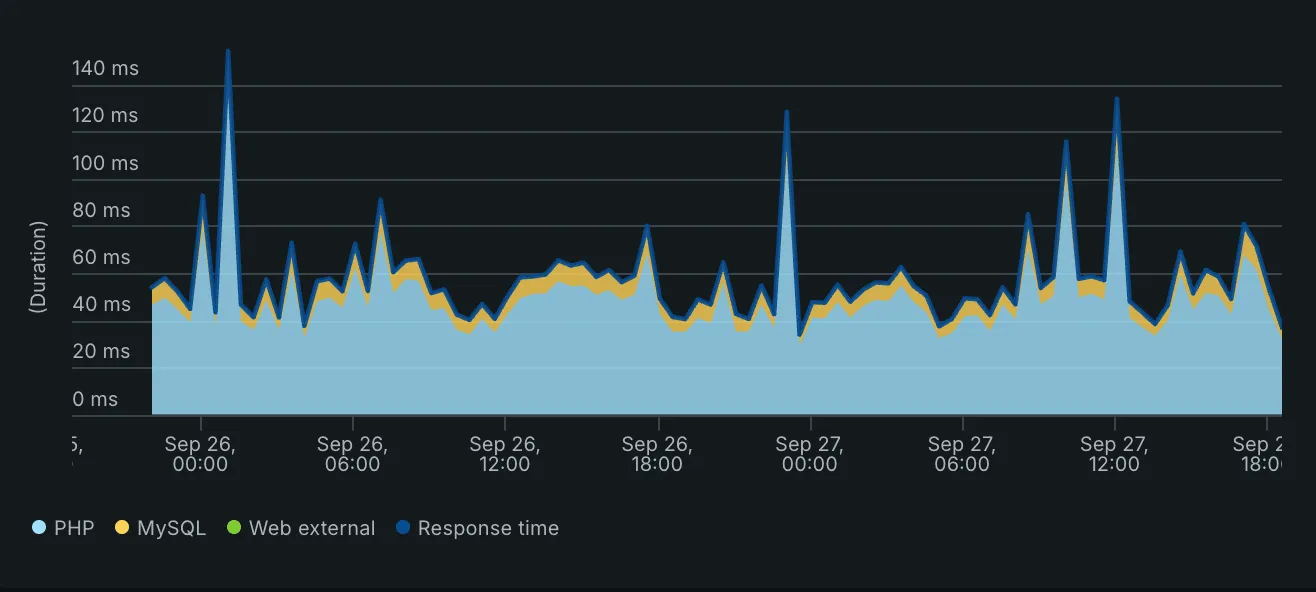
New Relic pricing follows two meters: the data you send (GB ingested per month) and the people who use it, billed as users or as compute (how New Relic pricing works). On a Magento store most of the data meter comes from logs, trace spans and transactions that nobody reads. Cut those at the PHP agent first, because data the agent never sends costs nothing. Then trim attributes, drop what is left with Pipeline Control rules and review who holds a paid seat.
This page covers cost. For setup, alerts and dashboards, see New Relic Terraform setup for Magento 2. We quote no prices here, because they change and depend on your contract. Check the current rates on New Relic’s pricing page or in your order form.
What New Relic bills for
Three facts from New Relic’s billing docs shape every lever below:
- Data: New Relic bills by GB ingested, whatever the type. The monthly total rounds up to the next whole GB.
- Data that features make for themselves is free. Alert incidents (
NrAiIncident), usage events (NrConsumption) and dimensional metric aggregates do not count as ingest. - Users: New Relic bills by user type. Full platform users and Core users are billable. Basic users carry no user charge and can run queries and build custom dashboards. They cannot open the APM screens.
A user’s billable type for a month is the highest type they held at any point in it. Upgrade people at the start of a month and downgrade them at the end.
Step 1: measure what you pay for
Guessing wastes the effort, so start with New Relic’s own usage data. This query from the usage queries docs splits a month of ingest by source:
FROM NrConsumption SELECT sum(GigabytesIngested)
WHERE productLine = 'DataPlatform'
SINCE 30 days ago FACET usageMetric TIMESERIES 1 day
Then drill into the biggest source with bytecountestimate(), which estimates the stored size of the events you select:
FROM Transaction SELECT bytecountestimate()/10e8 AS 'GB', count(*)
WHERE appName = 'Acme Store'
SINCE 1 day ago FACET name LIMIT 20
Swap Transaction for Span or Log to rank the other event types.
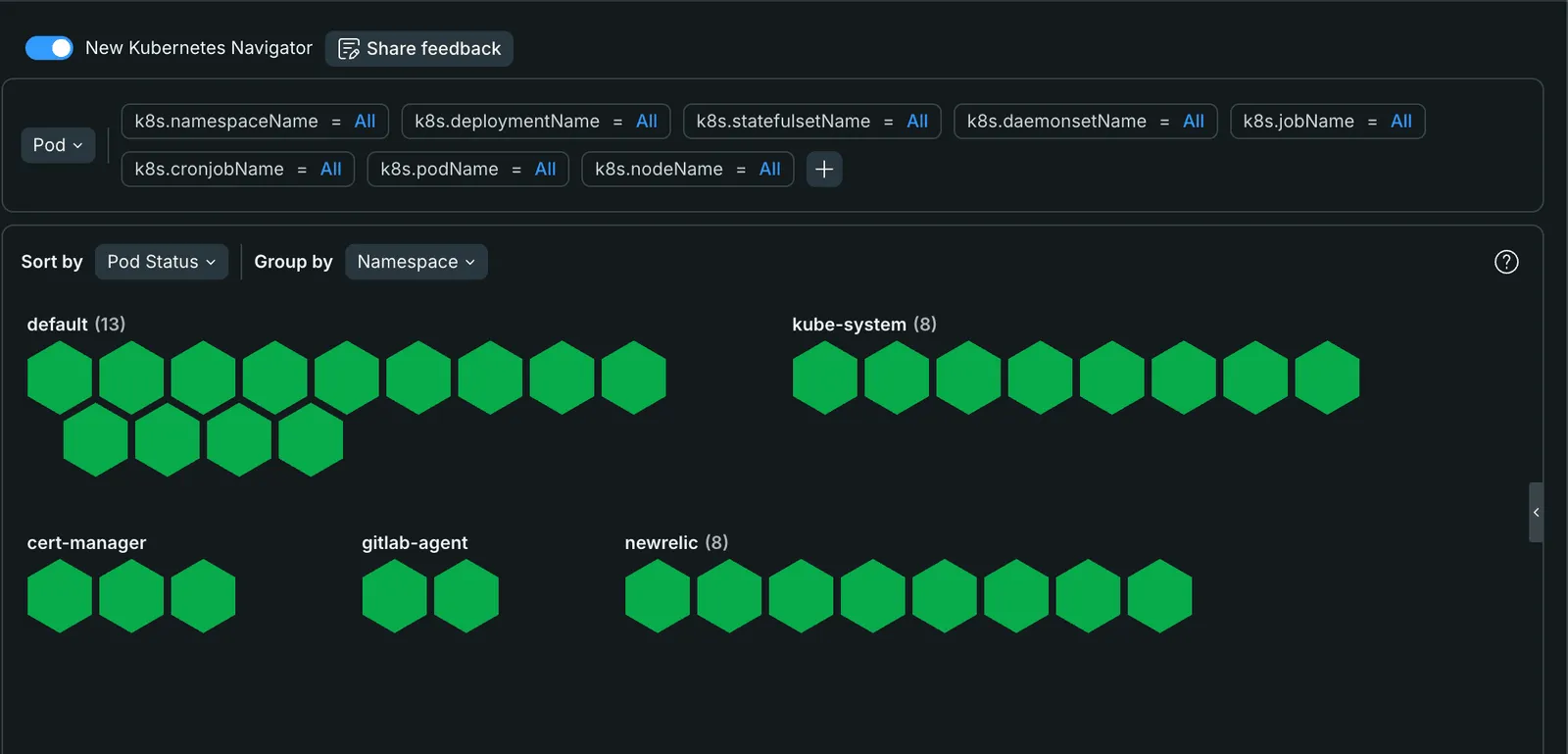
On Kubernetes, count the cluster as a source too.
The New Relic integration runs its own pods: eight in the newrelic namespace below.
Each one reports infrastructure samples.
Our New Relic Terraform guide shows how to keep the first query on a dashboard as code.
Step 2: cut log forwarding at the agent
Magento logs through Monolog, and the PHP agent forwards Monolog records to New Relic by default.
Forwarding is on (newrelic.application_logging.forwarding.enabled = true) and sends WARNING and above (PHP agent configuration).
A store with a chatty extension can send a lot of warnings.
; Forward errors only
newrelic.application_logging.forwarding.log_level = "ERROR"
; Lower the per-minute cap (default 10000, max 20000)
newrelic.application_logging.forwarding.max_samples_stored = 2000
If a log shipper or the infrastructure agent already sends var/log/*.log to New Relic, the same lines arrive twice.
Turn agent forwarding off in that case:
newrelic.application_logging.forwarding.enabled = falseFix the noisy extension too. A warning logged on every request is a bug, and the log line is only its symptom.
Step 3: right-size distributed tracing
Distributed tracing is on by default in PHP agent 9.21 and newer, and every traced request sends span events. It earns its cost when Magento calls other instrumented services: a search service, an ERP connector, a headless frontend. A single Magento application talking only to MySQL, Redis and OpenSearch gets most of its answers from transaction traces.
Lower the span sample first and watch whether you miss anything:
; Span events per harvest cycle. 0 means the agent default of 2000, max 10000.
newrelic.span_events.max_samples_stored = 500
Turn tracing off only for an app that calls no other instrumented service:
newrelic.distributed_tracing_enabled = falseStep 4: stop instrumenting requests nobody reads
Some Magento traffic is all volume and no insight.
Load balancer and uptime checks hit pub/health_check.php every few seconds, and each hit is a transaction event.
New Relic’s docs show turning the agent off per location in NGINX:
location = /health_check.php {
    fastcgi_param PHP_VALUE "newrelic.enabled=false";
    # ... your usual fastcgi settings
}
The same page warns that PHP_VALUE sometimes does not reach PHP (per-directory settings).
Check the transaction list afterwards.
For routes that run through Magento itself, a small plugin can call newrelic_ignore_transaction() for the request:
if (extension_loaded('newrelic')) {
    newrelic_ignore_transaction();
}
Keep checkout, cart, search and cron instrumented. Those are the transactions an alert or an audit needs.
Step 5: trim attributes
Smaller events cost less, and Magento adds attributes of its own.
The core New Relic module puts CustomerId and CustomerName on every storefront request from a logged-in customer.
That is personal data in your monitoring account, and most teams never query it.
Exclude it in the agent (attribute rules):
newrelic.attributes.exclude = "CustomerName"Request parameters stay out of New Relic by default. Keep it that way unless one bug needs them.
Step 6: drop what still arrives with cloud rules
A cloud rule drops data after it arrives, for the cases you cannot fix at the source.
Pipeline Control cloud rules replaced NRQL drop rules, and the old newrelic_nrql_drop_rule Terraform resource stopped working on 31 August 2026 (migration guide).
A rule is a DELETE query, and the New Relic Terraform provider manages it as newrelic_pipeline_cloud_rule:
resource "newrelic_pipeline_cloud_rule" "drop_info_logs" {
  name        = "Drop INFO logs"
  description = "INFO lines from any source, never queried."
  nrql        = "DELETE FROM Log WHERE level = 'INFO'"
}

resource "newrelic_pipeline_cloud_rule" "drop_customer_name" {
  name = "Drop CustomerName from transactions"
  nrql = "DELETE CustomerName FROM Transaction"
}
Run the query as a SELECT first to see what it would remove.
Rules apply only to data that arrives after you create them.
Cloud rules are not free. New Relic bills them under Advanced Compute, for the GB dropped and for the events scanned (Pipeline Control costs). That is the reason Steps 2 to 5 come first.
Step 7: review who holds a paid seat
People who read dashboards, receive alerts or run NRQL can work as Basic users. Give Full platform seats to the developers who open APM traces and the errors inbox. Review the list at the end of each month, since an upgrade in the middle of a month bills the whole month.
Step 8: put a budget on ingest
Data ingest budgets set a monthly GB limit per organization or account and alert before you pass it (ingest budgets).
They need a paid data ingest subscription.
Add a second guard with an hourly NRQL alert condition on NrConsumption, so a log flood after a release wakes someone the same evening.
When a New Relic alternative makes sense
Try the levers above first, because a switch costs weeks of setup and the alert history you built. A New Relic alternative is worth pricing when one of these holds:
- Seats are most of the bill. A team of a few developers who all need the APM screens pays for every seat. A PHP-focused APM such as Tideways or a self-hosted stack uses a different price model.
- The company already runs another platform. If your infrastructure team lives in Datadog or Grafana, two observability bills rarely pay off. Datadog is usage-priced too, so compare on your own data volume.
- You want to own the data. OpenTelemetry’s PHP instrumentation with a self-hosted backend (Grafana Tempo and Loki, SigNoz) removes the per-GB meter. You pay in servers and in the hours to run them.
- You run Adobe Commerce on Adobe’s cloud. Check what your contract already includes before you buy monitoring a second time.
Export a month of NrConsumption data and your user list before any vendor call, so every quote compares against the same numbers.
Where we come in
We set up and tune New Relic as part of Magento support and maintenance, and cost review is part of the onboarding. A slow store that New Relic cannot explain is a job for a Magento performance audit. Custom modules that need their own transaction names or ignore rules come from our Magento 2 development team.
Frequently asked questions
New Relic cost on Magento
How does New Relic pricing work?
New Relic bills for the data you ingest, measured in GB per month, and for either billable users or compute. Full platform users and Core users are billable. Basic users carry no user charge but can still drive usage-based charges. Data that New Relic features create for themselves, such as alert incidents and usage events, does not count as ingest.
What uses the most New Relic data on a Magento store?
It differs per store, so measure it. Run FROM NrConsumption SELECT sum(GigabytesIngested) WHERE productLine = 'DataPlatform' FACET usageMetric over the last month. On Magento the usual suspects are forwarded logs, distributed tracing spans and transaction events from health checks or bots.
Is dropping data with a cloud rule free?
No. New Relic bills Pipeline Control cloud rules under Advanced Compute for the GB they drop and for the events they scan. Data the PHP agent never sends costs nothing, so cut at the agent first and use cloud rules for what you cannot change there.
Does the New Relic Terraform provider still manage drop rules?
Only through the replacement resource. newrelic_nrql_drop_rule reached end of life on 31 August 2026. Manage the same rules with newrelic_pipeline_cloud_rule, which takes a DELETE NRQL query.
When does a New Relic alternative make sense for Magento?
When user seats make up most of the bill and few people need the APM screens, or when the team already runs another observability stack. A PHP-focused APM or a self-hosted OpenTelemetry stack can cost less, but each brings its own setup and upkeep. Compare them on a month of your own data before you switch.